Game Photoshop Styles: Unleash Epic Designs with Unique Graphics
In the world of digital gaming, aesthetics and visual appeal are everything. From the immersive graphics of fantasy landscapes to the sleek, futuristic interfaces of sci-fi games, every element of game design helps shape a player’s experience. Game Photoshop styles are powerful tools that allow designers to recreate the distinct look and feel of various game genres. With a range of game-inspired Photoshop styles, you can add depth, atmosphere, and character to your designs, whether you're crafting for a project or just looking to bring some gaming magic into your work.
Below, we’ll explore the world of Photoshop styles tailored for game designs. Discover different styles, where to find them, how to use them, and some top tips for integrating them into your projects.
What Are Game Photoshop Styles?
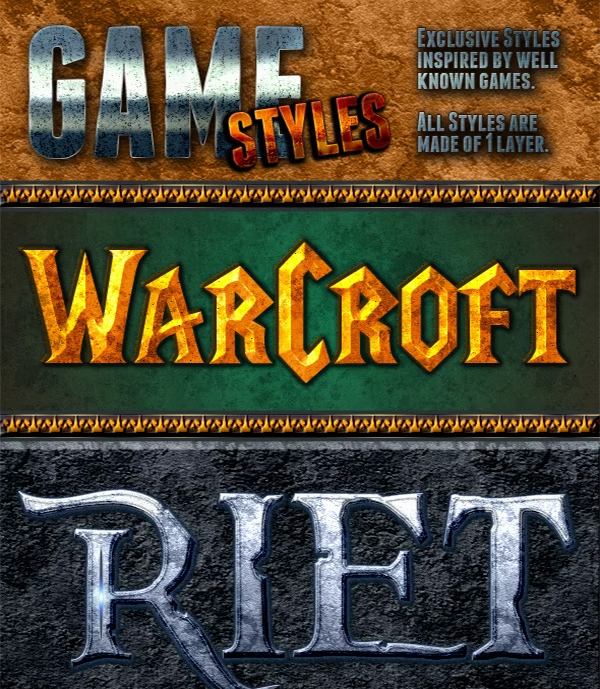
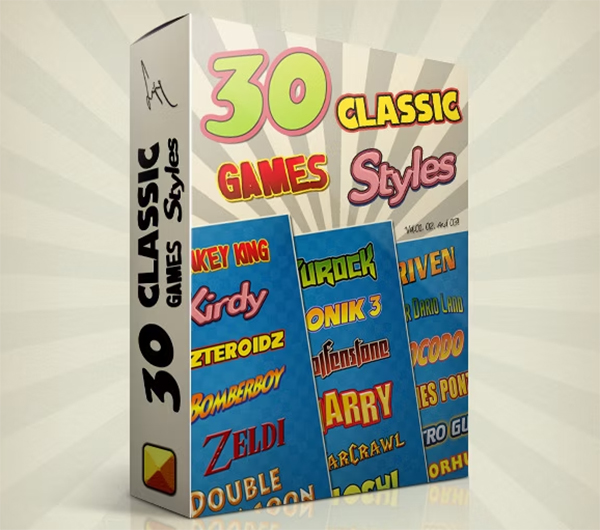
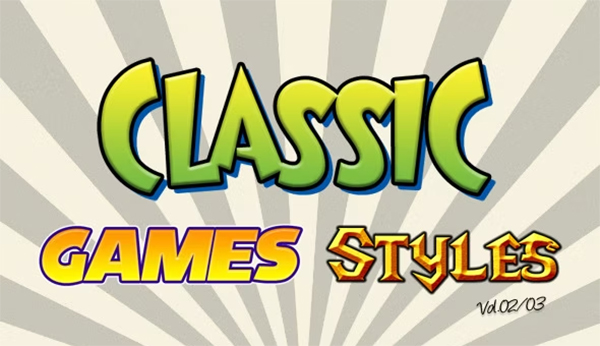
Game Photoshop styles are pre-set effects in Adobe Photoshop that replicate the distinct graphics, textures, and elements associated with various game genres. These styles can mimic textures, lighting effects, metallic finishes, neon glows, or grungy backgrounds, which are commonly seen in games. Photoshop styles give designers an easy and time-efficient way to add complex effects to their graphics without needing to create every detail from scratch. Instead, you simply apply the style, and your design takes on a new visual aesthetic that resonates with popular gaming themes.
Popular Game Photoshop Styles to Try
There are countless ways to transform a simple graphic with game Photoshop styles. Here are some of the most popular styles that gamers and designers love:
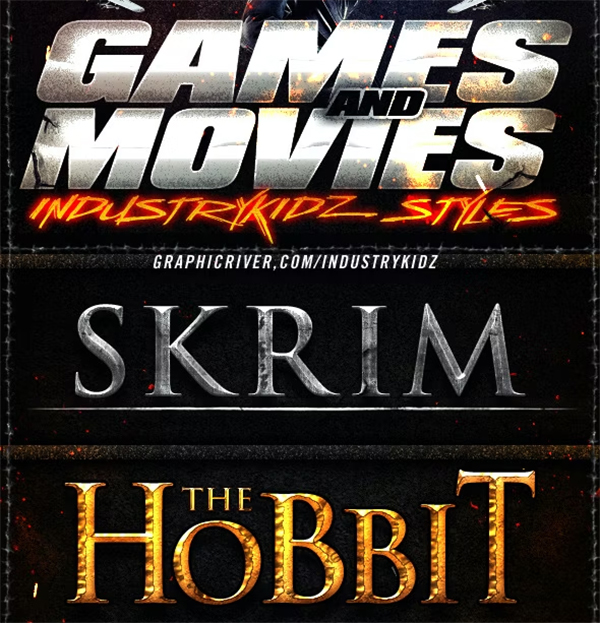
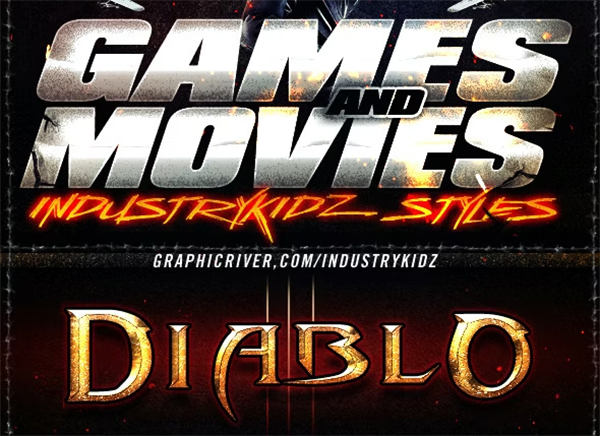
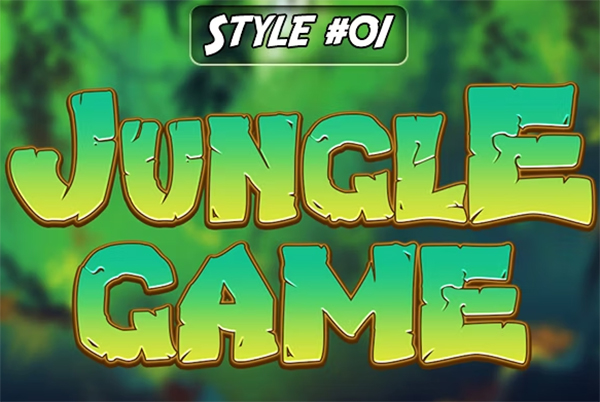
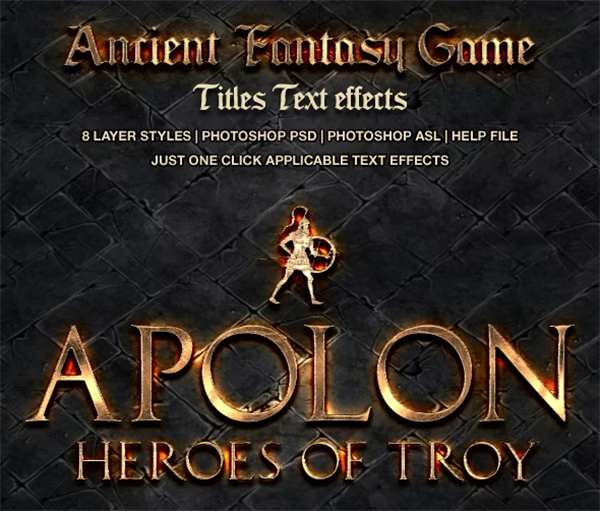
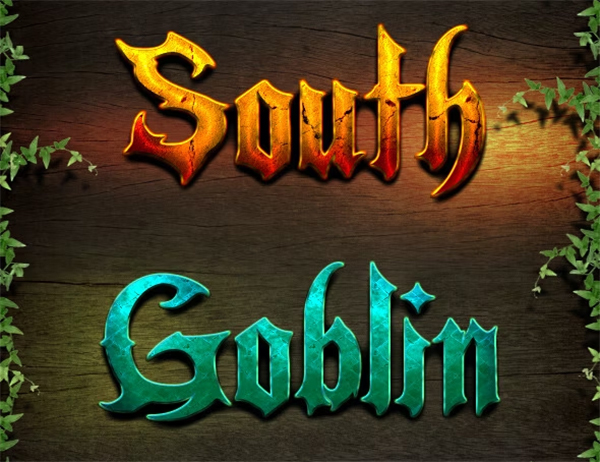
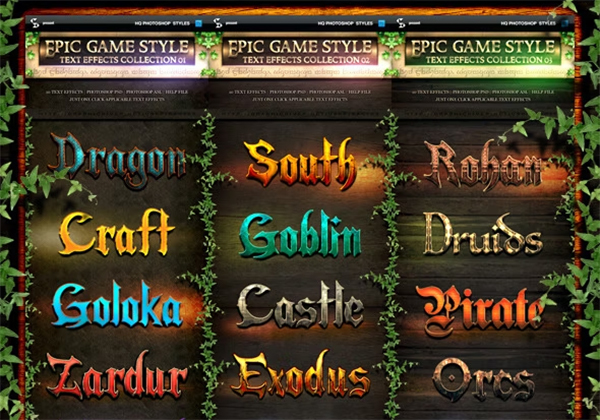
1. Fantasy and RPG Styles: Fantasy and RPG (Role-Playing Game) Photoshop styles evoke magical and medieval worlds, perfect for creating character names, magical weapons, and enchanted landscapes. These styles often include:
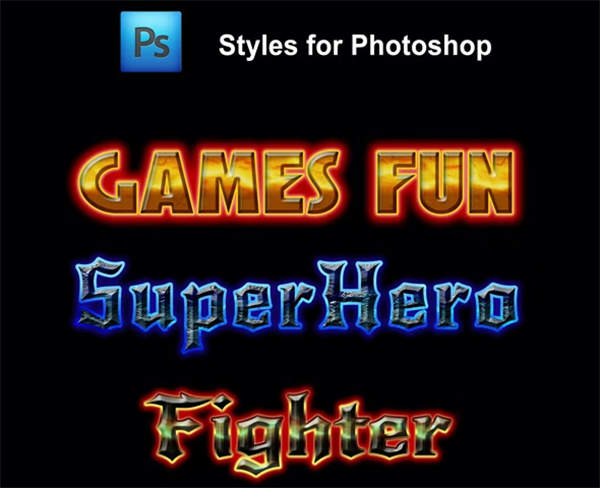
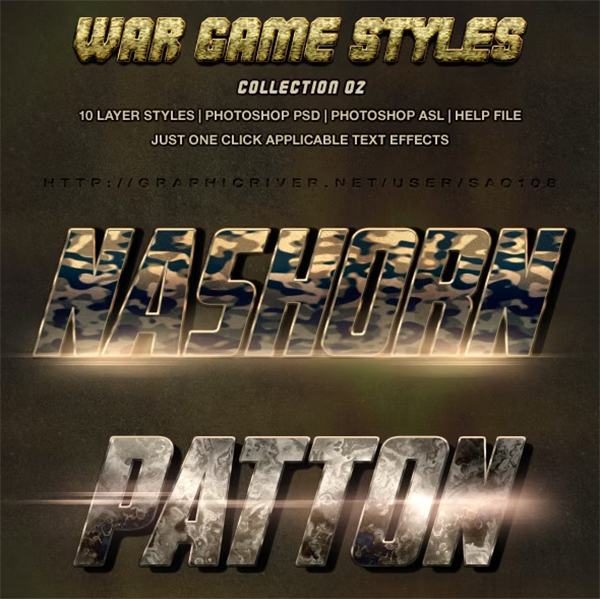
Metallic Textures: Simulate the look of medieval weapons or armor with styles that give text and objects a metallic finish.
Glow and Shine Effects: Perfect for adding a mystical touch, these effects make spells and magical elements glow.
Wood and Stone Textures: Essential for crafting rustic or ancient looks, ideal for RPG interfaces or environment designs.
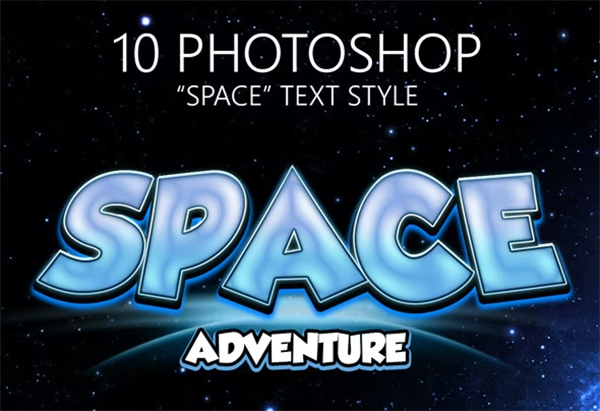
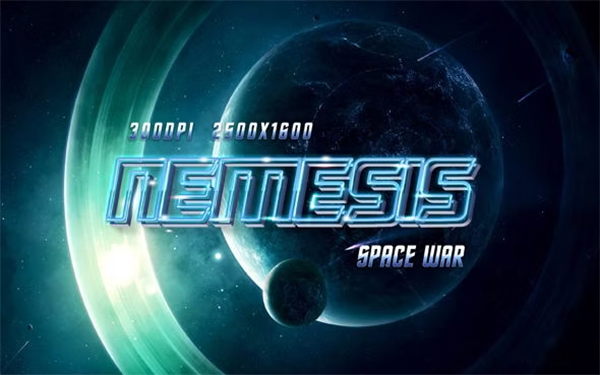
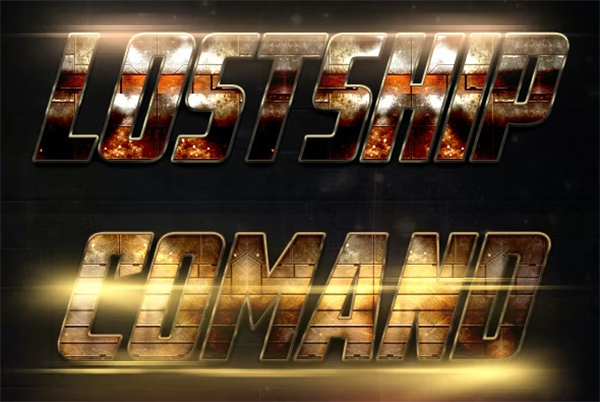
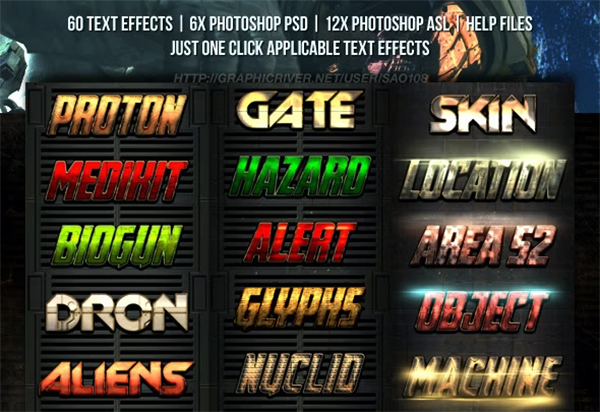
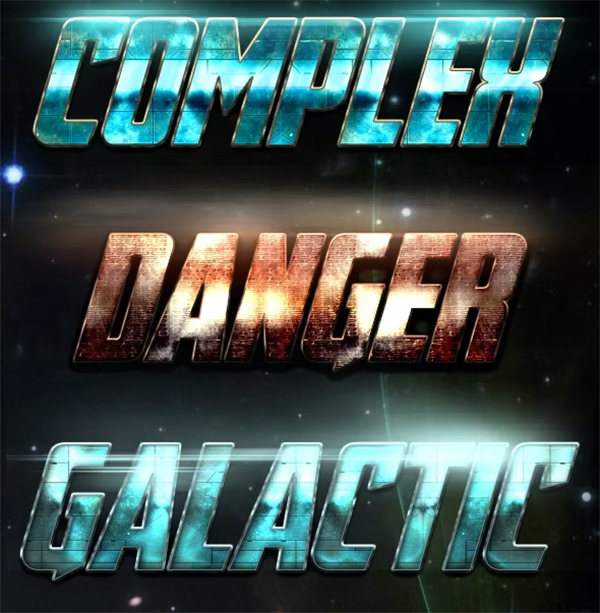
2. Sci-Fi and Futuristic Styles: Sci-fi game Photoshop styles bring a sleek, otherworldly vibe to your designs, reminiscent of the technological aesthetics seen in space and futuristic games. These styles typically include:
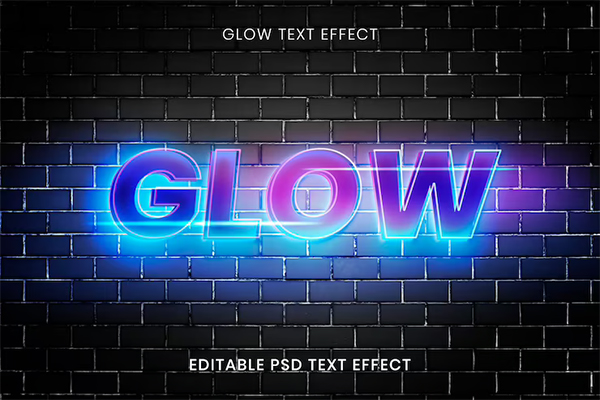
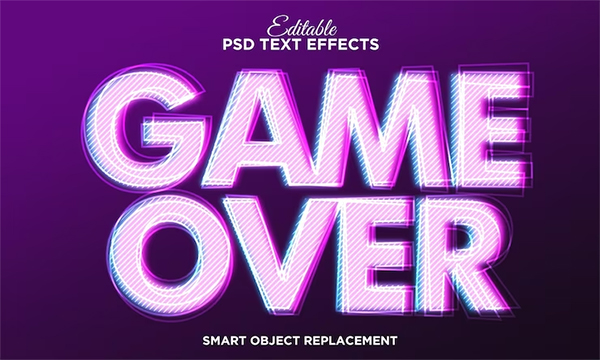
Neon and Holographic Effects: These styles create luminous effects perfect for emulating virtual reality, digital interfaces, or alien worlds.
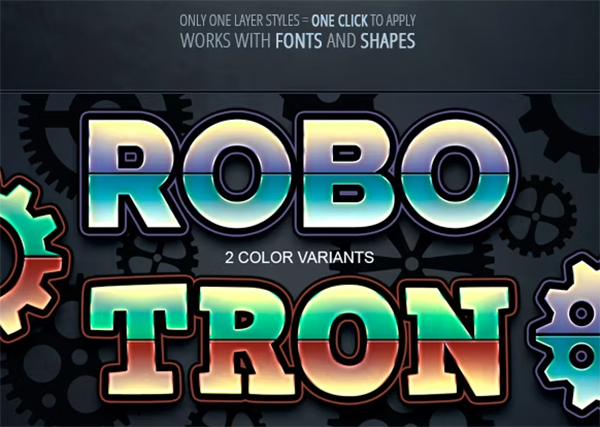
Chrome and Metal Finishes: Shiny metallic textures give an ultra-modern or robotic look, ideal for weapons, characters, and logos.
Grid and Circuit Designs: Grids and circuit patterns are often used in futuristic interfaces, making them perfect for high-tech game aesthetics.
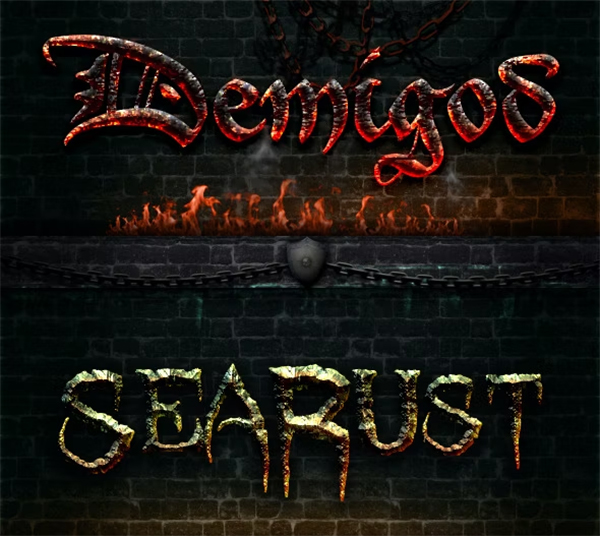
3. Horror and Gothic Styles; For fans of horror and mystery games, Photoshop styles that convey a dark, eerie feeling are a must. Horror and gothic styles often feature:
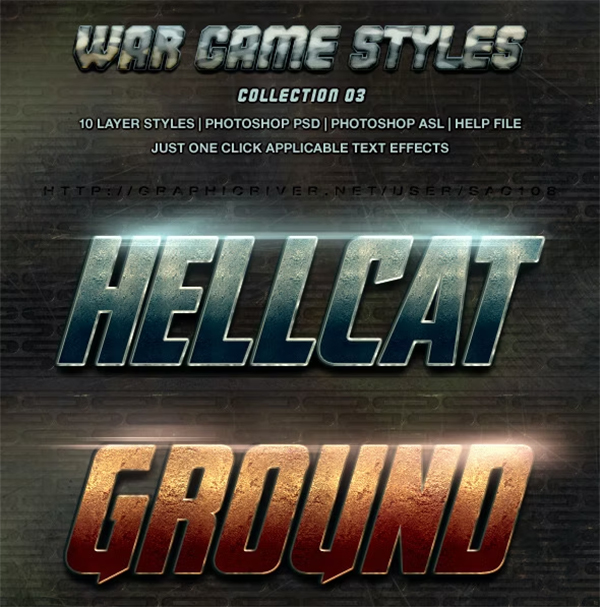
Grunge and Distressed Textures: These effects add a weathered, worn-out look to your designs, adding a touch of unease or suspense.
Blood and Splatter Effects: Realistic splatter effects can add a terrifying edge to text and graphics.
Shadow and Fog Overlays: Great for enhancing suspense, shadow and fog effects give designs a spooky atmosphere.
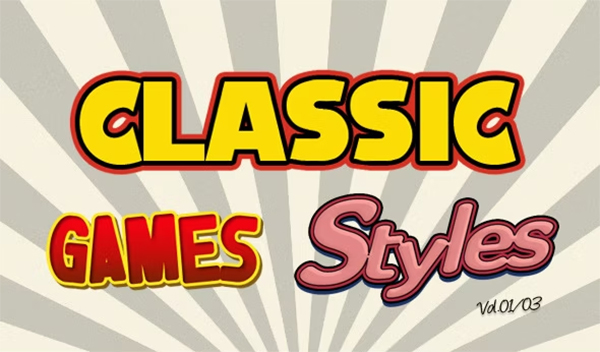
4. Retro and Pixel Art Styles: Pixel art is a hallmark of classic video games, and retro styles bring that nostalgic feel to modern designs. Retro Photoshop styles include:
8-Bit and Pixel Textures: These styles create pixelated designs, perfect for simulating the look of classic arcade games.
Retro Color Palettes: With color schemes that reflect 80s and 90s games, these styles add a nostalgic touch.
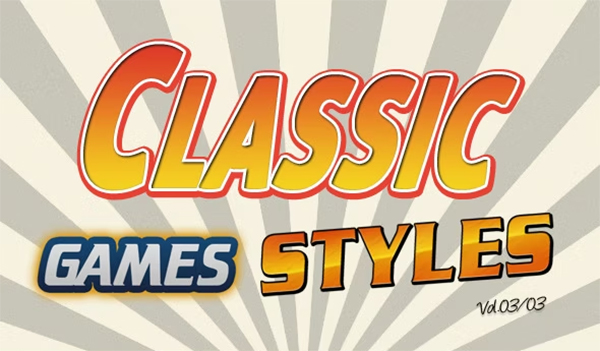
Simple, Blocky Fonts: Typography that mimics old-school game titles gives a playful retro feel to any design.
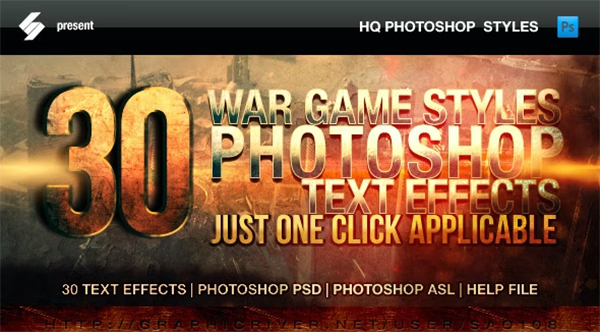
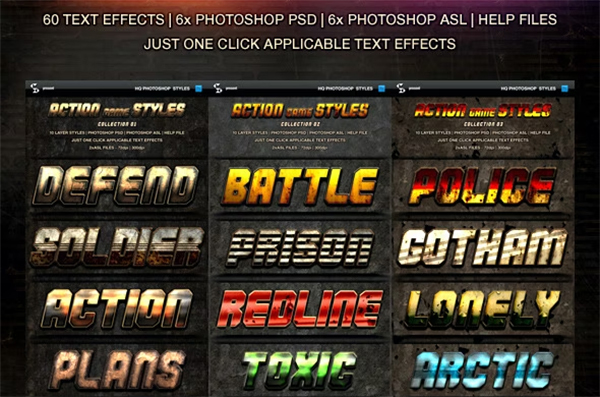
5. Action and Adventure Styles: Action-packed games call for bold, high-impact designs. Photoshop styles for action and adventure genres often feature:
Explosion and Fire Effects: These styles can add intense energy to your graphics with fiery textures and explosive overlays.
Urban and Graffiti Textures: For an edgy, street-inspired look, urban textures bring a gritty, tough aesthetic that’s perfect for adventure games.
Weapon and Combat Visuals: Effects like bullet holes, scratches, and dirt can give designs a rugged, battle-worn appearance. Impressionist Painting Photoshop Actions
Where to Find Game Photoshop Styles
Finding high-quality game Photoshop styles is easier than ever, with numerous resources available online. Here are some of the best places to find unique and effective game-inspired Photoshop styles:
1. Adobe Photoshop Styles Library; The Adobe library is a fantastic starting point. Adobe frequently updates its offerings, providing both free and premium Photoshop styles. You can find styles for almost any theme, and they’re directly compatible with Photoshop.
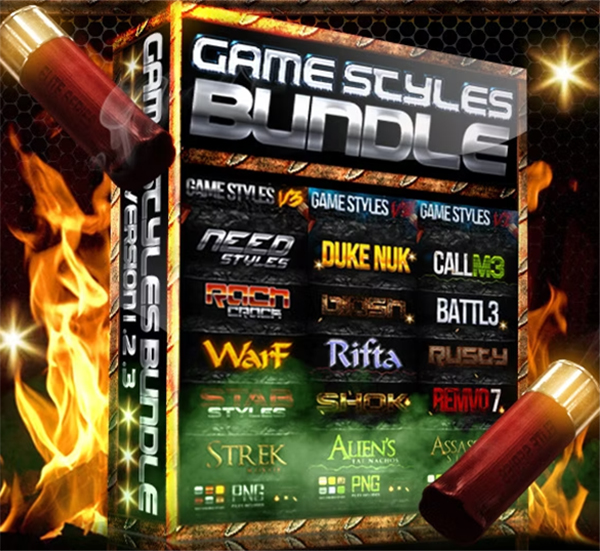
2. Creative Market: Creative Market offers a wide selection of professionally designed Photoshop styles. Here, you’ll find everything from horror-inspired effects to neon sci-fi styles. Many styles on Creative Market come as bundles, allowing you to try different effects in one purchase.
3. Envato Elements: Envato Elements is a subscription-based service offering a broad library of downloadable assets, including Photoshop styles. With access to an extensive collection of game Photoshop styles, Envato Elements is a cost-effective choice for designers who frequently need new resources.
4. GraphicRiver: GraphicRiver is another excellent platform for purchasing individual Photoshop styles. Each item is sold separately, making it ideal if you’re looking for a specific style or genre. You’ll find numerous options, from pixelated retro designs to high-impact adventure graphics.
5. DeviantArt and Community Platforms: Community-driven platforms like DeviantArt host a range of free and premium Photoshop styles shared by designers worldwide. Here, you can find unique, indie-style effects not typically found in mainstream marketplaces.
Tips for Using Game Photoshop Styles Effectively
When working with Photoshop styles, a few design tips can help you make the most of each effect. Here’s how to ensure your designs look polished and professional:
1. Experiment with Layer Styles and Blending Modes: Photoshop styles are often enhanced with different blending modes and layering techniques. Don’t hesitate to try out various modes—like Multiply, Overlay, and Screen—to see which brings out the best in your design. Blending modes can also help you achieve a more cohesive look when layering multiple effects.
2. Customize Each Style to Fit Your Design: While game Photoshop styles offer a ready-made look, tweaking the settings can make a world of difference. Adjust colors, textures, or layer properties to better align with your design’s vision. This is especially helpful for creating consistency if you're using multiple styles in one project.
3. Incorporate Text Effects for Titles and Menus: In game design, text elements like titles, menus, and HUD (heads-up display) graphics play a critical role in the user experience. Use Photoshop styles with bold fonts and effects that enhance readability while capturing the theme’s atmosphere, whether it’s a gritty action game or a light-hearted pixel game.
4. Use Textures to Enhance Depth and Realism: Many game Photoshop styles include texture layers like grunge, metal, or pixel patterns. Textures add a tangible quality to digital art, enhancing realism and depth. Adjust the scale and opacity of textures to find the ideal balance that suits your design.
5. Pay Attention to Color Harmony: While it's tempting to go all-out with flashy effects, remember to maintain color harmony across your design. Select colors that complement each other and fit the theme. For instance, a horror game style might use darker, desaturated colors, while retro styles can benefit from bold, vibrant shades. Pixelated Photoshop Actions
Top Game Photoshop Style Ideas to Try
Looking for inspiration? Here are some exciting game-inspired style ideas to help you get started:
Glowing Neon Sci-Fi Text: Create a futuristic logo with neon outlines and glow effects for a cyberpunk or space-themed game design.
Mystic Fantasy Text with Light Beams: Use a fantasy Photoshop style that includes magical glow effects and enchanted colors like blue, purple, and gold.
Pixel Art Graphics with Retro Patterns: Experiment with pixel textures and 8-bit styles for a vintage arcade vibe.
Grungy Survival Horror Textures: Combine grunge, fog, and shadow overlays to capture the dark ambiance of survival horror.
Fire and Explosion Adventure Effects: Use dynamic, fiery effects with cracked textures to enhance action game designs with intense, high-energy visuals.
Final Thoughts on Game Photoshop Styles
Game Photoshop styles give designers a unique way to add flair, drama, and personality to their graphics. Whether you’re crafting an eerie horror game logo or a glowing sci-fi title screen, these styles save you time and bring a professional polish to your work. With the right effects, you can fully immerse players in your game's world, creating designs that leave a lasting impact and set the tone for an unforgettable experience.